AI Product Video

AI Product and Fashion Video
One photo is enough.

One photo is all it takes. AI turns your product or model image into a short campaign video with moving fabric, natural pose transitions and cinematic camera motion. No film crew, no editing software and no video production budget.

Real VIBEDESIGN output

From product image,
product video

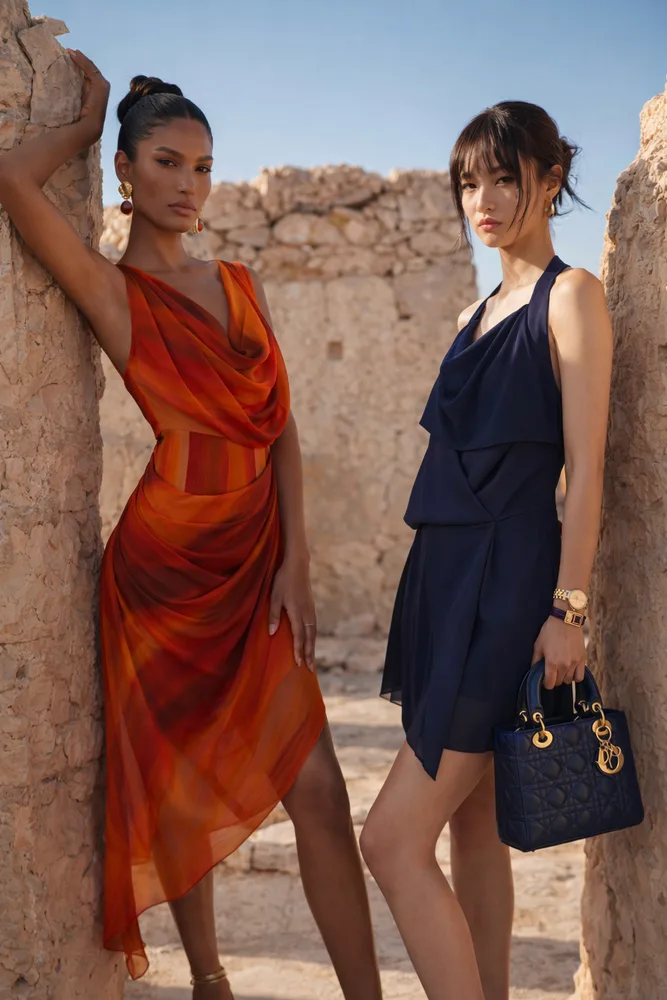
A single product shot becomes a moving video — the drape and storefront feel are preserved, ready for Reels and TikTok.

Single product photo uploaded for an AI product video
01Product Image

Upload a single product shot.
02Product Video

A moving, ready-to-post video.

From one shot, a video with storefront feel.

Real VIBEDESIGN output

From model shot,
fashion video

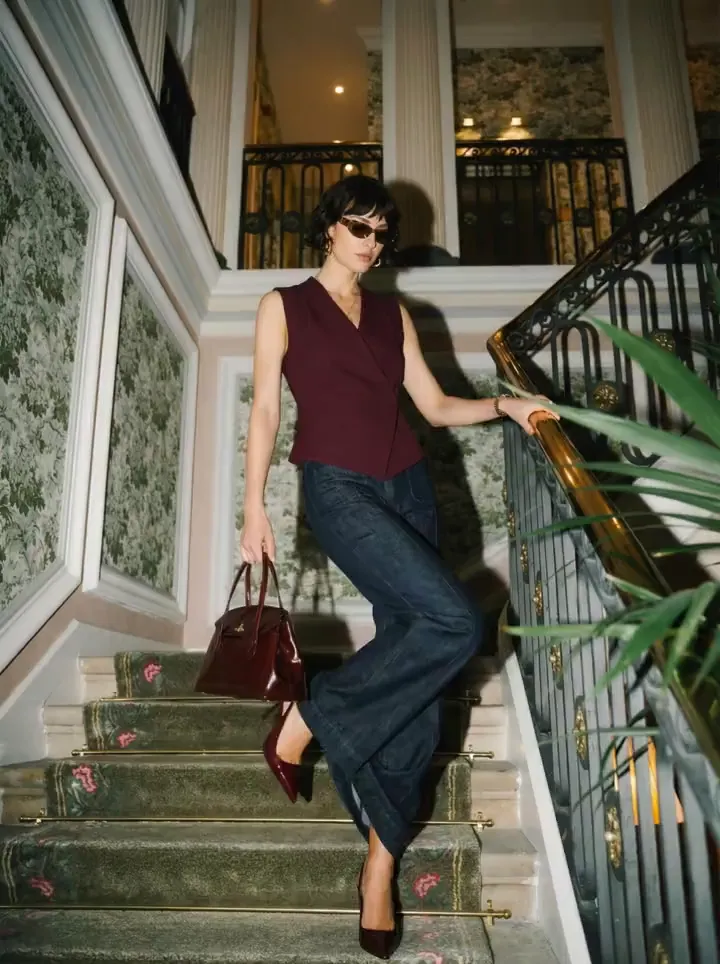
Your model image becomes a cinematic campaign video — hair and fabric in motion, with subtle pose transitions.
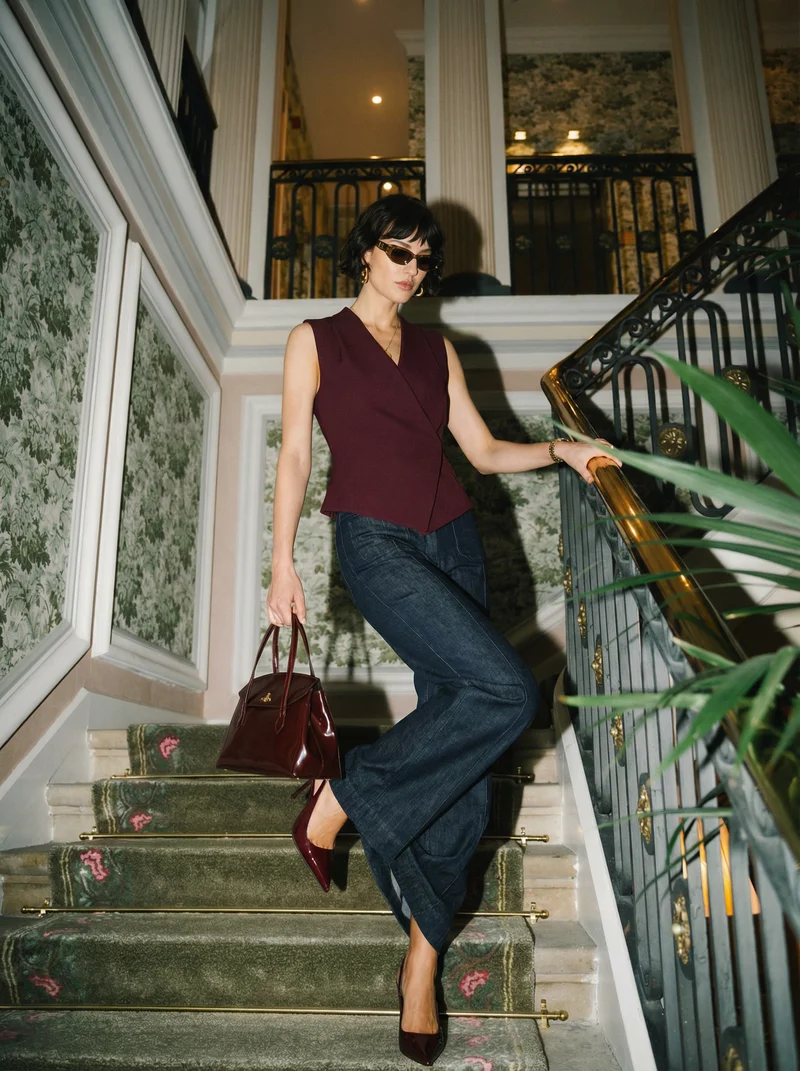
Model photo uploaded for an AI fashion video
01Model Image

Upload your model shot.

02Fashion Video

Cinematic campaign video.

From one shot, a cinematic campaign video.

01

How do you make a product video with AI?

AI video generation turns a still image into a moving scene. In Vibedesign you upload a product photo or model image; AI works out the fabric movement, the model's pose transitions and the camera motion to produce a short video you can post straight to social media or use in ads.

A traditional video shoot takes days with a studio, crew, lighting and editing. With AI, the same job is done in minutes from a single image you already have.

02

Step by step: from photo to video

  1. Upload your image
    A product photo, a model image or a try-on or shoot result you made in Vibedesign — one frame is enough.
  2. Start the video generation
    AI analyses the scene and animates drape, pose and camera movement with a natural flow.
  3. Download your video
    Download a video ready for Instagram Reels, TikTok and product pages.

03

AI product video

In e-commerce, video tells what a photo can't: how the fabric falls, how the product looks in motion, the storefront feel. With an AI product video, your product on a hanger or on a model comes to life from a single photo — no separate video shoot for your marketplace, Instagram or TikTok listings.

04

AI fashion video

AI fashion video is a fast way to turn collection launches and campaign announcements into motion content. Convert an on-model shot into video and you get hair and fabric in motion, subtle pose transitions and cinematic camera language. Present the same collection as both photos and video, with the same model and aesthetic.

05

Which photo makes the best video?

06

Why Vibedesign for AI video

Frequently Asked Questions

How do I make a product video with AI?
Upload a product photo or model image to Vibedesign and start the video generation. AI produces a short campaign video with fabric movement and camera motion; it's ready to download in minutes.
Which images can I turn into video?
Product photos, model images and the try-on or fashion shoot results you create in Vibedesign. A clear, single-frame image is enough.
Where can I use the videos?
Directly in Instagram Reels, TikTok, product pages and digital ad campaigns.
How long does it take to generate a video?
Usually a few minutes. Without a film crew, editing or production process, you can publish the same day.
Which plans include video?
Video is included in Creator and higher plans, not in the 3-day Access pass. See the Plans page for current details.
Can I use the videos in ads?
Yes. You can use the videos commercially in social media ads, on marketplaces and on your own website.
How can I try it?
Video generation is included in Creator and higher plans, not in the 3-day Access pass. New accounts don't get free credits. Pick the plan that fits you on the Plans page.

Create your first visual
in minutes

This tool is included in Creator and higher plans, not in the 3-day Access pass. Pick the plan that fits you.