01Product
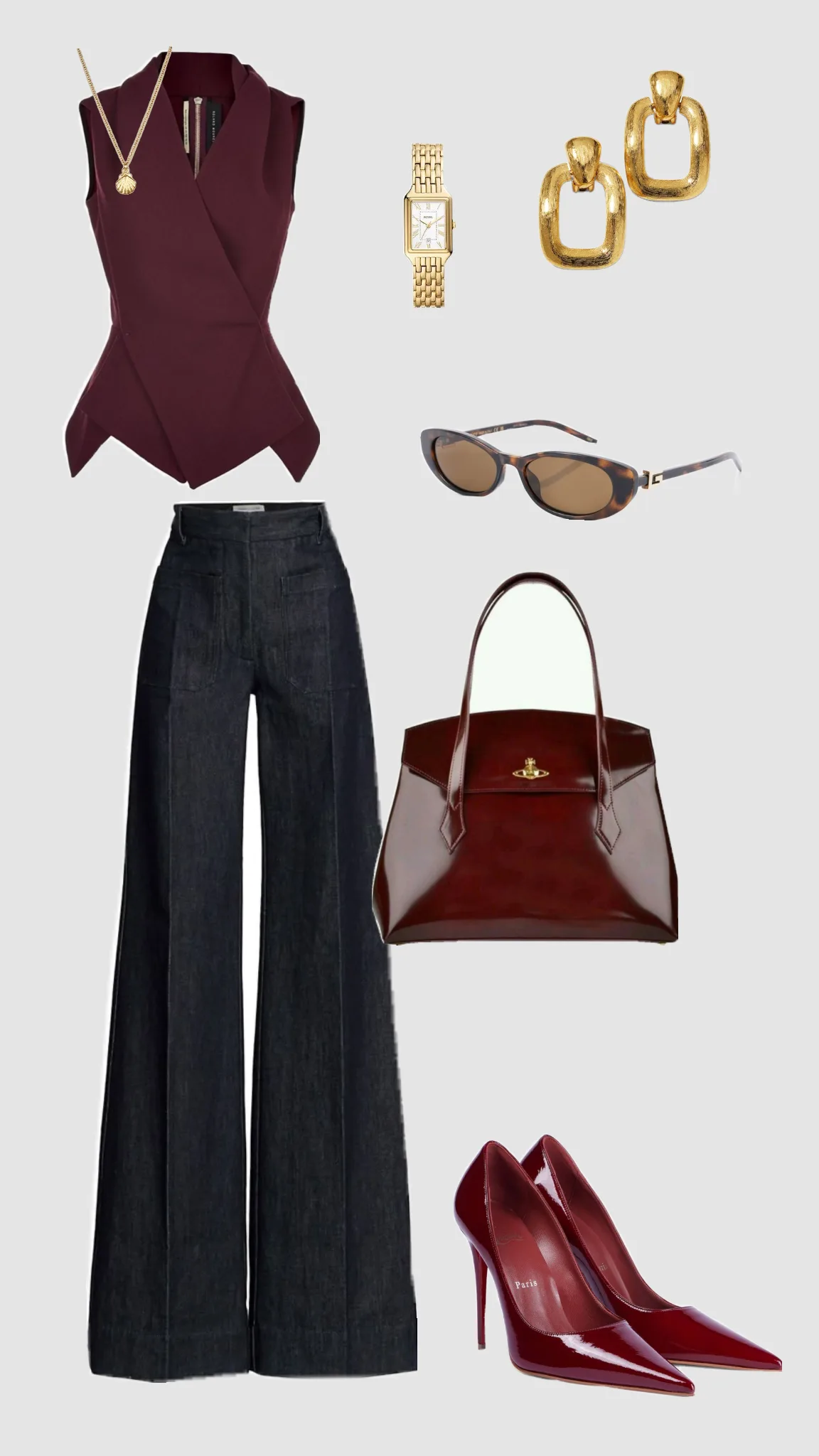
Upload your flat photo.
AI Virtual Try-On
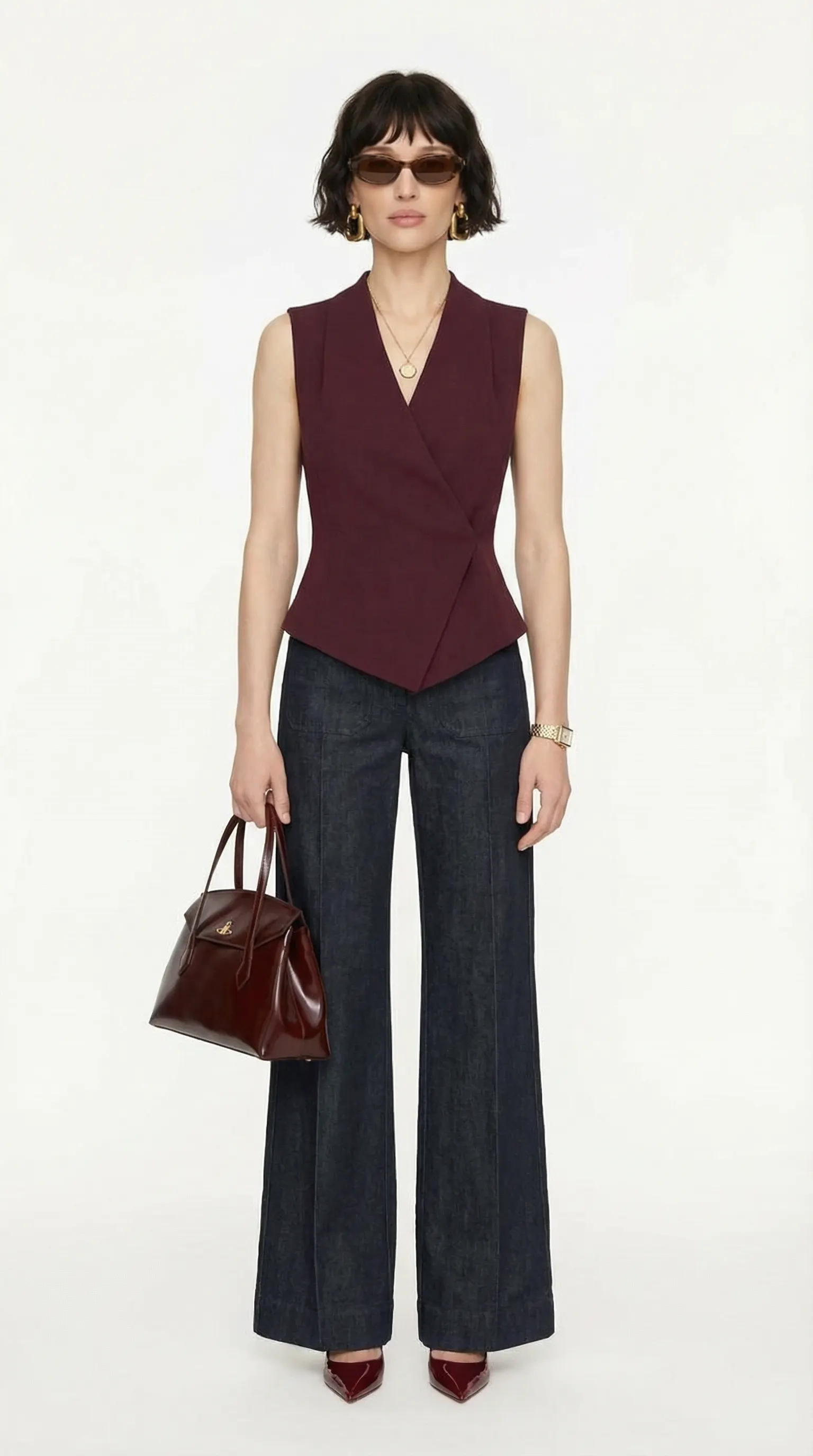
Upload a product photo and AI dresses it on the model you choose — with realistic fabric drape, accurate lighting and a natural pose. Store-ready on-model images in minutes, without a studio, a model booking or a photo crew.
Real VIBEDESIGN output
Your hanger shot, worn by the model you picked — drape, lighting and pose are set up automatically.
Upload your flat photo.
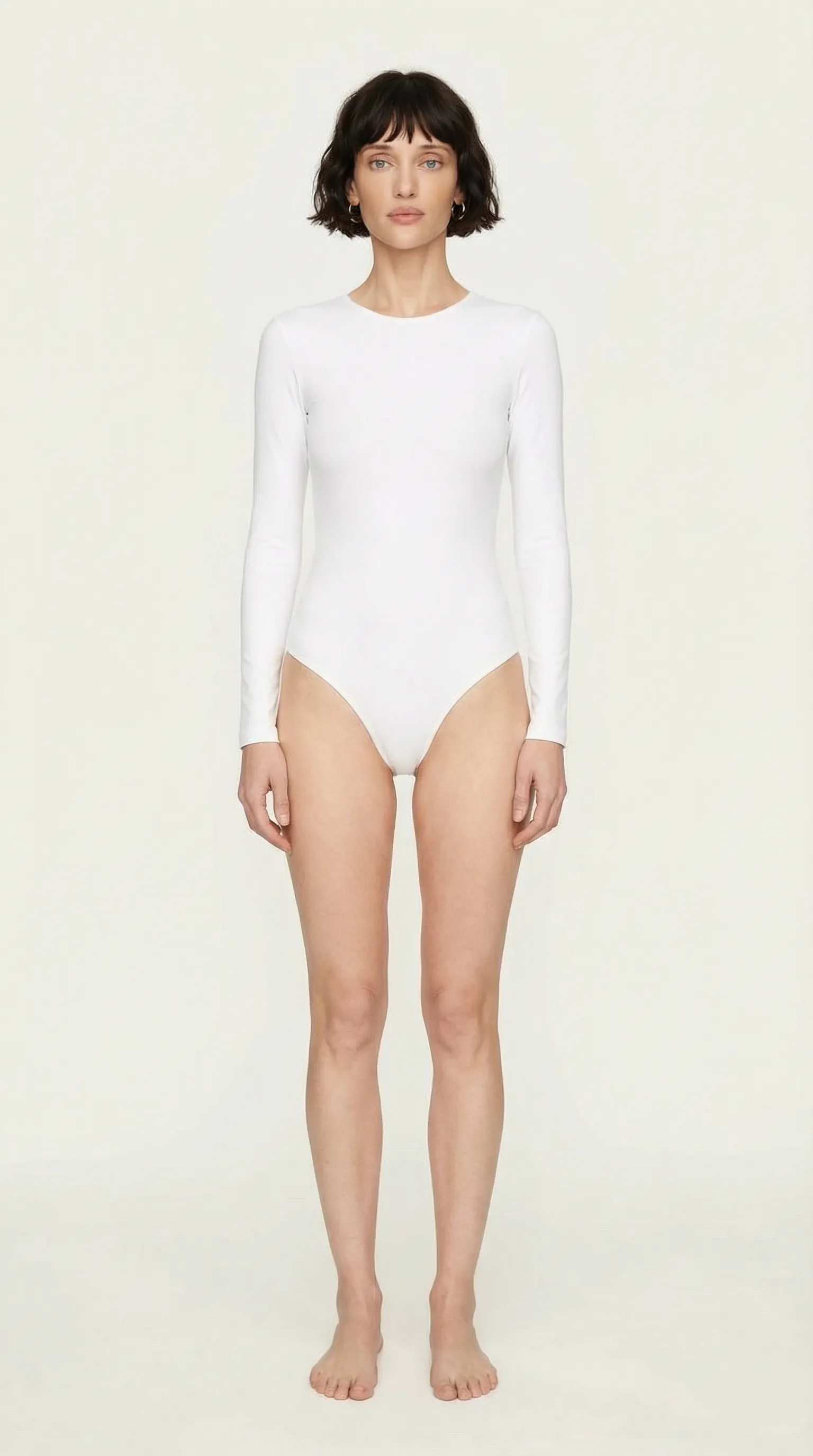
Pick your model.
Worn, ready-to-publish shot.
01
AI virtual try-on puts a garment or accessory from an ordinary product photo onto a real model photo or an AI model. A shot taken on a hanger, against a wall or laid flat becomes a professional on-model fashion photo — with the fabric's drape, the shadows and the body proportions kept intact.
The traditional route needs a studio, a model agency, a photographer and retouching for every product, and new-season items often wait for the shoot day. Vibedesign turns all of that into a single upload: add your product, choose your model, download the result.
02
03
04
Dresses, tees, shirts, jackets, trousers, skirts and outerwear, plus bags, shoes and accessories. For small items like earrings and necklaces there are close-up framings that put the product first — see our jewellery photography guide.
You can combine several pieces into one outfit: in its default CLIO mode, the PRO TRY ON tool accepts up to eight product images on the same model, so a two-piece set, outerwear and accessories appear in one frame, in the same light.
05
Most 'virtual try-on' apps are consumer tools that let a shopper see clothes on their own selfie. Vibedesign works for the seller: the goal is professional images for product pages, marketplaces and ads that keep the product exactly as it is.
So the priority is product fidelity, not a fun preview: pattern, cut, colour and logo placement must hold, and the customer should receive what they saw in the photo.
06
Try it on your own product with the 3-day Access pass. One-time payment, no auto-renewal.