AI Mannequin

AI Mannequin and Virtual Model
The same face, every shoot.

A virtual mannequin shows your products on a person without a real model shoot. With Vibedesign you can dress an AI model in your outfit, or create a model for your brand, save it and shoot the whole collection with the same face.

Real VIBEDESIGN output

Outfit pieces,
on a virtual model

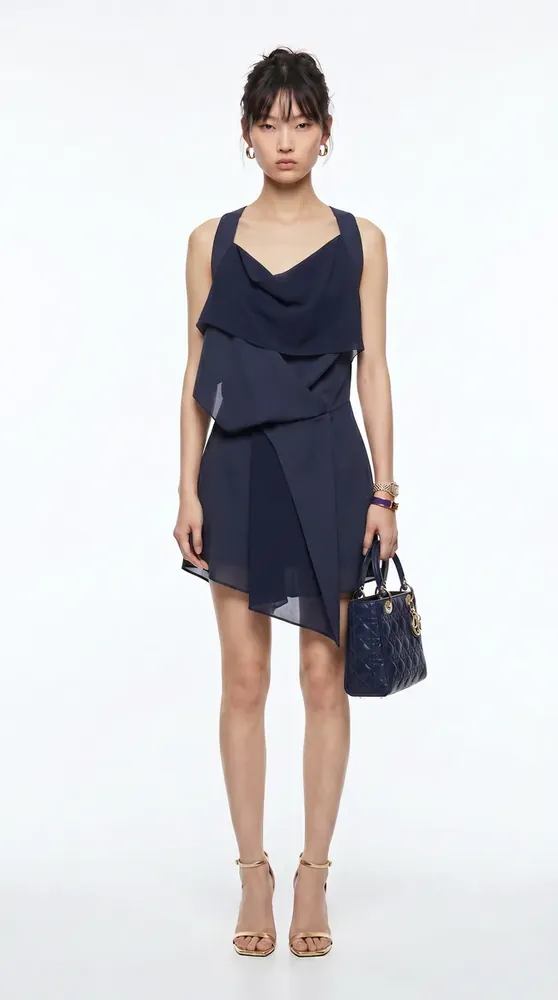
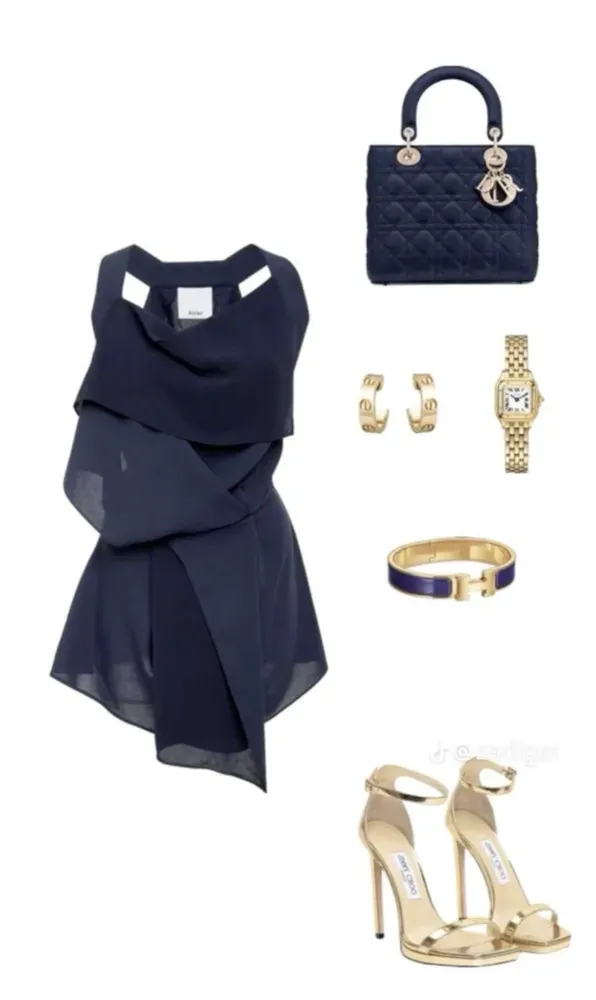
Dress, bag, jewellery and shoes as separate pieces — AI puts them all on one model in a full-length frame.

Outfit for the virtual model: navy dress, bag, watch, earrings, bracelet and heels
01Outfit

Give your pieces in one image.
AI-generated virtual model wearing the full outfit, full-length studio frame
02Virtual Model

The outfit, on an AI model.

The pieces came together — the model is ready.

01

What is an AI mannequin?

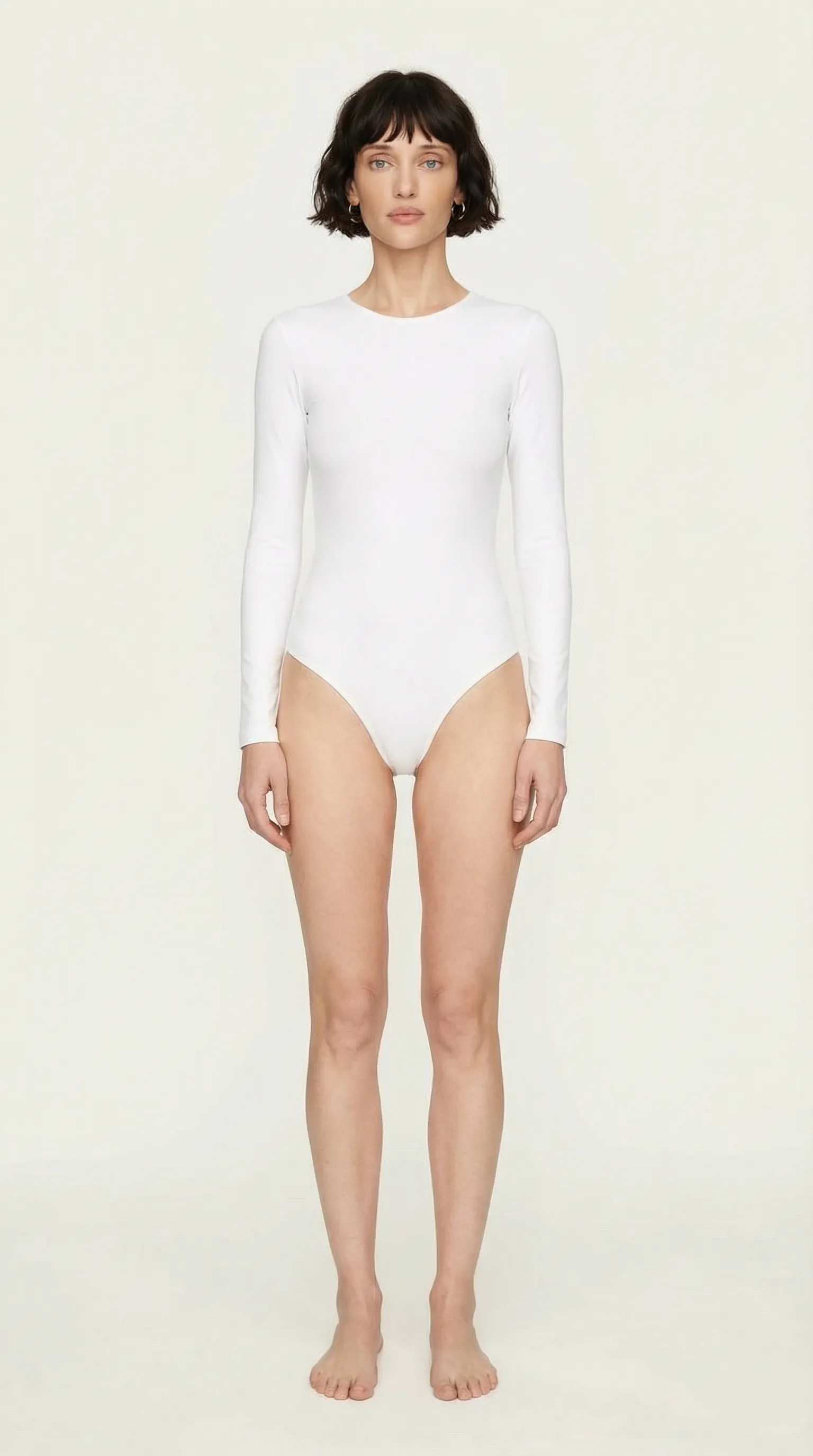
An AI mannequin (or virtual model) is a realistic person generated with AI. Unlike a shop-window mannequin it has a face, skin, hair and a natural stance, so your clothes look as if they were photographed in a real model shoot.

In e-commerce a virtual model does two jobs: it shows the product on a person, which helps shoppers decide on fit and style, and it removes the cost of organising a model shoot for every product.

02

How to create an AI model

  1. Describe your model
    In the model creation panel, give your model a name and describe the look, or add a reference face photo.
  2. Save it and add angles
    Save the model to your library and create the framings and angles you need with the same face.
  3. Dress it in your products
    Pick your saved model in the try-on and shoot tools; the whole collection gets the same face.

03

Why a persistent virtual model?

04

Virtual model or real model?

A real model shoot is still a strong choice for a campaign face and special projects. But organising a model, studio and photographer for every catalogue image of hundreds of products isn't sustainable for most brands.

A virtual model takes over that catalogue load. You can also use photos of your own model in Vibedesign and multiply one shot into new products and scenes.

05

Instead of a physical mannequin

Many boutiques photograph products on a display mannequin. Those shots show the cut but not how the product looks on a person. Uploading your mannequin shot and dressing a virtual model in the product is the shortest way to show it on a living model. If you want the product shown hollow and without a person, see our ghost mannequin guide.

Frequently Asked Questions

What is an AI mannequin?
A realistic person generated with AI. Your products are dressed on it as if photographed in a real model shoot.
How do I create an AI model?
In Vibedesign's model creation panel you describe your model or add a reference face photo. Save the result to your library, add angle variations and reuse it in every shoot.
Can I use the same model across my collection?
Yes. Your saved virtual model can be selected in the try-on and shoot tools, so the whole collection gets the same face.
Can I dress all the pieces of an outfit at once?
Yes. Dress, bag, shoes and jewellery can go on the same model in one generation — the example above is exactly that.
Can I use a real person's face?
Only use faces you have permission to use, such as your contracted model or yourself. Using someone else's face without permission violates their personal rights.
Which plans include model creation?
The persistent model library comes with the PRO tools in Creator and higher plans, not in the 3-day Access pass. With Access you can only use FAST try-on.
How can I try it?
Virtual model creation and the persistent model library is included in Creator and higher plans, not in the 3-day Access pass. New accounts don't get free credits. Pick the plan that fits you on the Plans page.

Create your first visual
in minutes

This tool is included in Creator and higher plans, not in the 3-day Access pass. Pick the plan that fits you.