AI Product Photography

AI Product Photography
One photo is enough.

AI product photography turns your products, jewellery and collections into professional photos without stepping into a physical studio. One frame is enough — new poses, new scenes and on-model presentation come from the AI studio.

Real VIBEDESIGN output

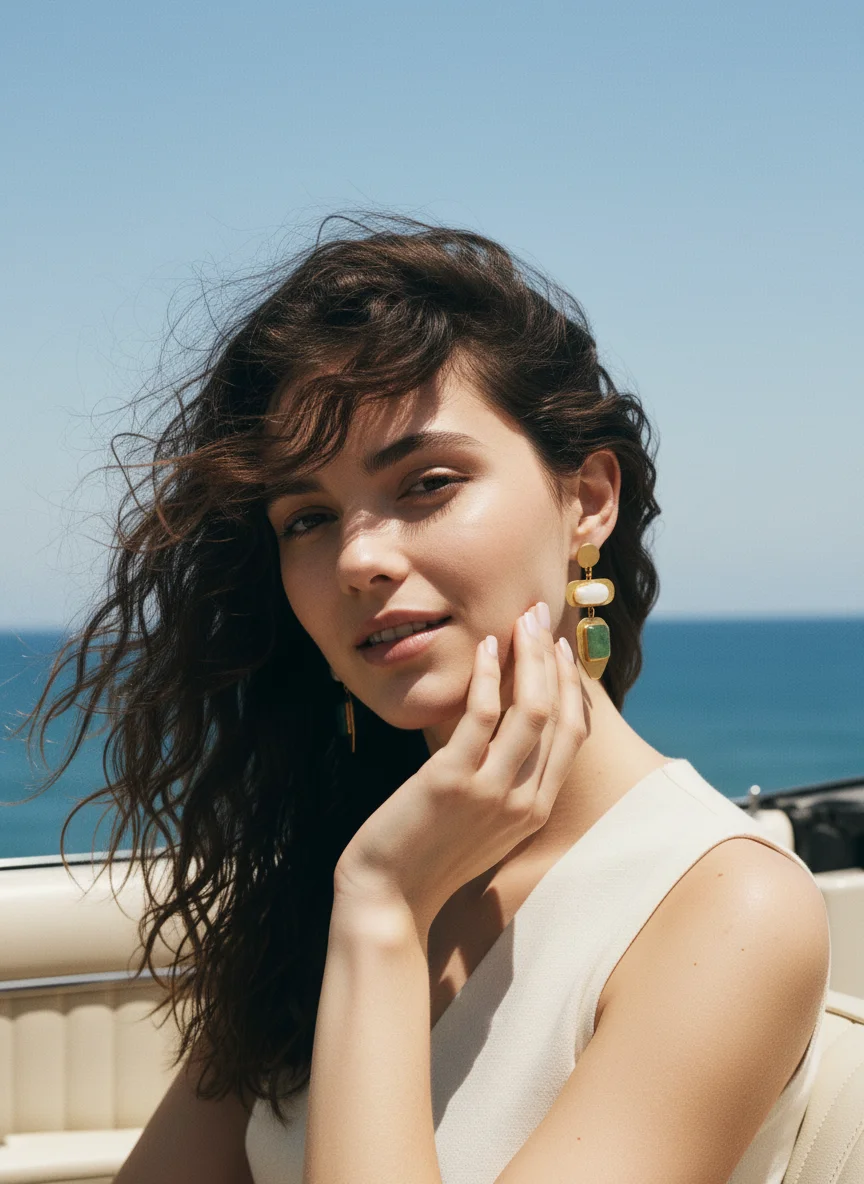
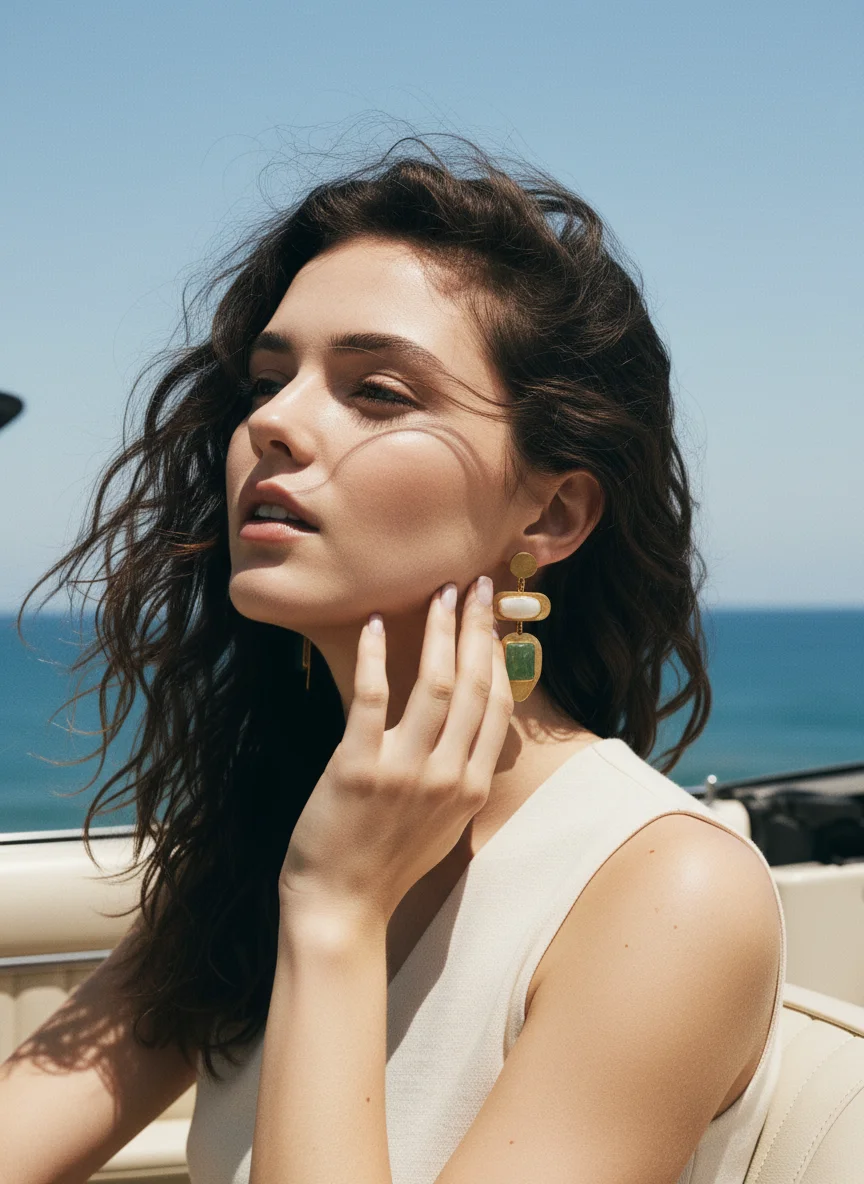
New pose variations from one shot

Give a frame you like as a reference; new compositions come back with the same model, the same light and the same outfit.

Model photo used as the reference for pose variations
01Reference Shot

Use a frame you like as reference.

New AI-generated pose: same model and outfit, different stance
02New Pose

Same model, same light — new framing.

One shot is enough — new poses are ready.

01

What is AI product photography?

AI product photography replaces the camera and studio with AI models. A simple product or model photo becomes a professional shot with the lighting set, the location chosen and the pose directed.

General-purpose image generators draw an imaginary product from scratch. Vibedesign starts from your product: clothing, jewellery, bags and accessories stay as they are, while the scene, light, pose and presentation change.

02

What you can create

03

How AI product photography works

  1. Upload your photo
    One frame where the product is clear: on a hanger, on a mannequin, a phone shot or an old catalogue image.
  2. Choose the tool
    Try-on, ghost mannequin, pose variation, editorial shoot or video — pick what you need.
  3. Generate and download
    Results are ready in minutes; download the frame you like in high resolution.

04

Studio shoot or AI?

A classic shoot means sending the product to a studio, setting up lights, booking a model and photographer and then retouching. It is still worth it for a few hero products, but reshooting hundreds of items every season is slow and expensive.

AI product photography flips that: from one simple frame you get the main image, the on-model shot, a pose gallery and campaign variations. Many brands use both — hero products in the studio, catalogue and daily content with AI.

05

Who is it for?

E-commerce sellers, boutiques, jewellery brands, agencies and social media managers — anyone who needs fresh visuals regularly but can't organise a shoot every time. It lowers your cost per product image while speeding up how fast you can publish.

Frequently Asked Questions

How does AI product photography work?
Upload a photo where the product is clearly visible, choose the tool you want (try-on, ghost mannequin, pose, editorial) and start the generation. Results are ready in minutes.
Can the quality compete with a real photo shoot?
That's the goal: light, texture and detail are rendered to a professional standard. Quality also depends on the source photo; blurry or dark frames lose detail.
Which photos can I use?
Any photo where the product or model is clearly visible: a phone shot, a product on a hanger or mannequin, or an old catalogue image.
Will the AI change my product?
The goal is to keep it: colour, pattern and shape come from your source photo. We recommend comparing every frame with the real product before publishing — customers should get what they see.
How many shots can I create from one product?
Your credits set the limit. With pose variations and different scenes you can build a full product-page gallery and campaign variations from one product.
Does it work for small products like jewellery?
Yes. Earrings and necklaces can be shown on a model with close-up framings that put the product first.
How can I try it?
New accounts don't get free credits. The easiest way to test it on your own products is the 3-day Access pass: a one-time payment with no auto-renewal. Access includes the FAST tools (try-on, editorial shoot, poses); the PRO tools (multi-product try-on, Découpe, the persistent model library) and video are in Creator and higher plans.

Create your first visual
in minutes

Try it on your own product with the 3-day Access pass. One-time payment, no auto-renewal.